Chat
E-mail
Bel ons
Maatwerk

What are print ready files?

Your book is written. All the text has been edited and proofread dozens, if not hundreds, of times. You start looking for a printer and are asked: “Do you have print-ready files?” Before we go into this further, it is important to understand exactly what print-ready files are and why the printer needs them.

What is a print-file?

Print files are documents (preferably certified PDFs) containing the digital version of your book. These files are essential to ensure that your book actually looks exactly as you want it to. So if there are errors in the file, these will be reflected in the final book. The submission specifications provide an overview of all the points you need to bear in mind. In these blogs, we will delve a little deeper into the subject, so you will not be faced with any surprises later on. A designer or DTP specialist knows exactly how to create print files, but what if you’d like to do it yourself? For example, should you include an embossing in your print file? We will tell you what you need to bear in mind and, above all, why these points are so important to a printer.


Crop marks in print files

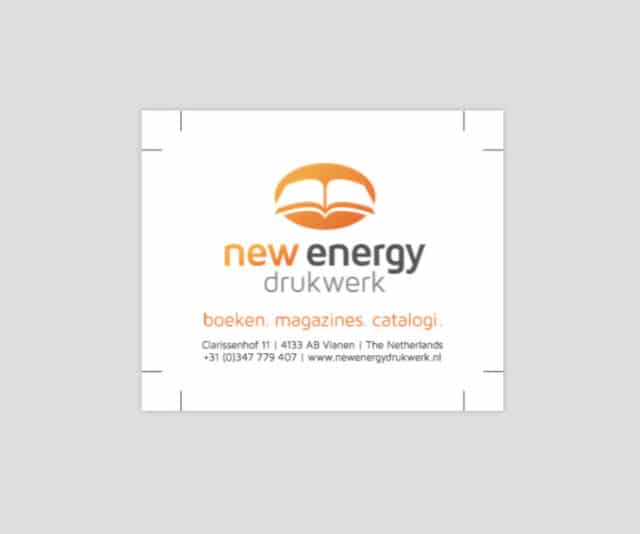
If you look at print files, you may notice these symbols in the corners of the pages: _ | We call these crop marks. The position of these trim marks is based on the format of your book. These marks are important for the printer to know where to trim the sheets. To understand this better, it is useful to know that the interior of your book is printed on large sheets of paper. At first glance, it may seem as though all your pages are jumbled together on a single sheet. However, these large sheets are folded after printing in such a way that the pages end up in the correct positions. After folding, the sheets are cut so that all pages are neatly straight and of equal length. This is what the trim marks are for. Your graphic designer (or DTP operator) can add the trim marks to your print file for you.

Bleed

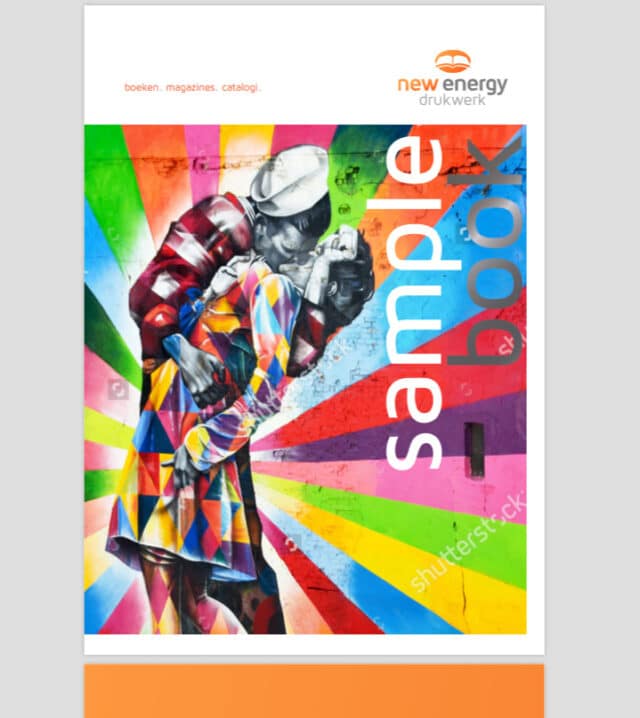
Many books contain illustrations or photographs. Now that you know what the crop marks are for, you can probably imagine that the position of the photograph is also important. Suppose you have a photograph that is positioned right up against the crop line. As there is always a (small) margin of around 3 mm at the trim lines, a thin white line might appear next to your photo. This would be a shame if your intention was for the photo to run right to the edge of the page. To prevent this, it is important to ensure there is bleed in your print file. Bleed means extending the image slightly beyond the trim line. We recommend a margin of 3 mm for this. This 3 mm margin must be applied all around every page in your book or catalogue. Would you like to know how to set up bleed in Adobe InDesign? Then check out our tutorial!

New Energy Printing hopes that the information above has provided you with everything you need to know when submitting a print file. Do you not have a DTP specialist and need our help? Do not hesitate to request a quote, including your specifications. We will let you know straight away how we can assist you

Request a free quote

We work for:

Send us the specifications of your book and we will make sure that you receive a tailor-made price quote.

Calculate the price now
New Energy Printing

T

+31 (0)347 779 407


M

info@newenergy.nl


A

Mijlweg 9-6,

4131 PJ Vianen,

The Netherlands

Opening hours

Mon – Fri:  08:30 AM – 05:00 PM
Sat – Sun Closed

Je bezoekt newenergy.nl/en

Wist je dat we ook een Nederlandse website hebben?

Naar de Nederlandse website

You're visiting newenergy.nl/en

Were you looking for the English (US) version?

Take me there

You're visiting newenergy.nl/en

Were you looking for the English (UK) version?

Take me there