Printing
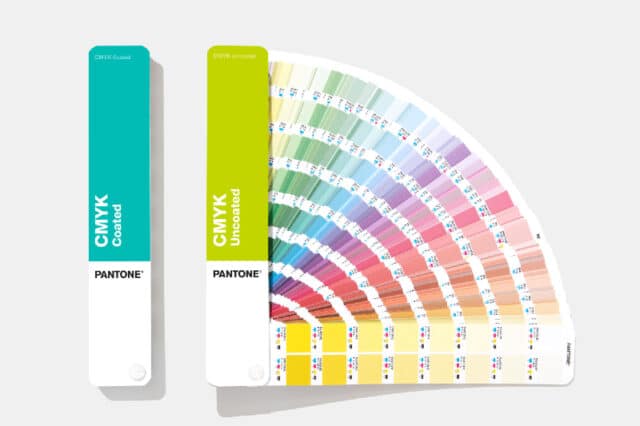
When deciding on the file specifications for your book (or magazine/catalogue), you also chose the printing method for the cover and the interior. You may have opted for full-color (also known as CMYK), for black printing (often used in reading books), or perhaps you have chosen to combine one of these two options with one or more PMS colors. The most important thing is that when preparing your print file, you ensure you use the correct printing method. If you submit a full-color file whilst having chosen black printing, the file will need to be adjusted.
Please note: black text can also be created using CMYK; you will see black, but multiple colours have been used. We recommend always creating text using 100% black. This ensures the text is printed more crisply and is therefore easier to read. If you have opted for CMYK printing, it is important that you do not use RGB (digital colours) or PMS colors. We will then ask you to adjust the print file. If you use photos or images in your printed materials, we recommend a minimum resolution of 300 dpi for the best results. If you use images with a dpi lower than 300, you will find that the photos appear grainy and lack sharpness. In short, not a pretty sight.